
| A camcorder is a great addition to a bike, allowing you to relive holidays and social rides, and a handy safeguard for commuting, providing video evidence in the event of an incident. I will confess to having mixed views about routine use of bulletcams on cycle rides. On the one hand, it seems overkill, and a dilution of the simple hop-on, hop-off joy of cycling. In all the <mumble> years I've been cycling, I can probably count on the fingers of one hand the number of significant incidents. On the other hand, one of those incidents was a woman who deliberately drove into me. She was arrested, charged with assault and the case went to court, but was a convincing liar and got away with it despite four independent witnesses. That did grate, rather, and I decided that if anything like that ever happened again I'd like to have video evidence. And I do have to say that those everyday examples of silly driving wash over you much more readily when you know that you could, if you so chose, embarrass them on youtube. There are a zillion bulletcams out there, of all qualities, but I decided that as I was going to use it for both pleasure and protection, I'd get the best. Sadly for my bank balance, technology doesn't stand still, so it wasn't too long after I'd upgraded my VIO POV 1.5 to the HD model that Garmin launched the rather clumsily-named Virb HD Elite GPS camcorder. The main selling point of this is that it combines GPS data with the video file so you can overlay things like speed, position and altitude on the video (see above clip). This was too much to expect any gadgetophile to resist. Mounting options The Virb has a good range of its own mounts, but also includes adapters for GoPro mounts, so there's basically nothing you can't attach it to. I use handlebar mounts on trike and Brompton. A £13 cradle for each means that moving the Virb between bicycles is as simple as snapping in & out. Here it is on the trike (on a custom-made arm) just off my right shoulder: |
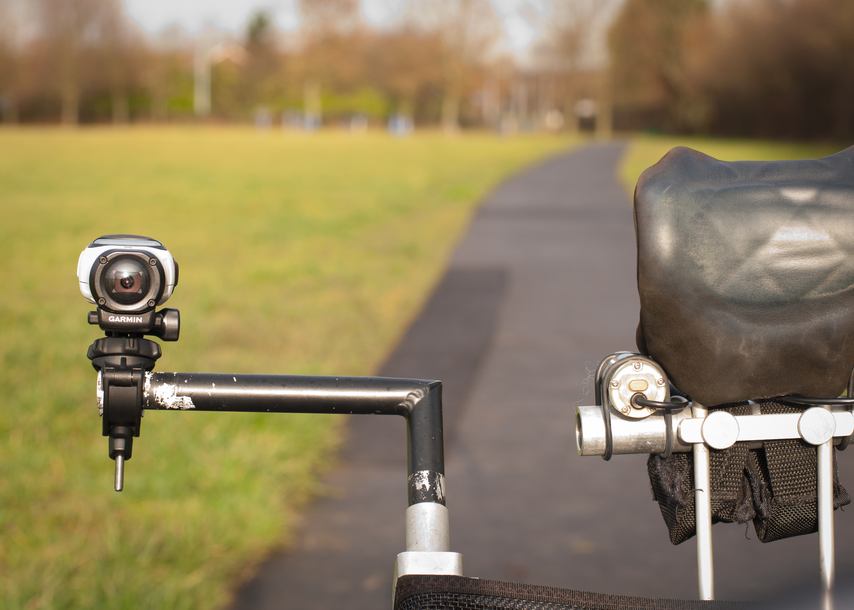
The Virb has a wide-angle lens (150 degrees) so this positioning shows the cockpit view, so to speak, plus pretty much all of the passing scenery. The large record switch (designed to be operated with gloved hands) is conveniently situated on the trike side, so I can reach over and operate it while cycling. On the Brompton, it just sits on the handlebars (again using the slightly over-engineered Garmin handlebar mount): |
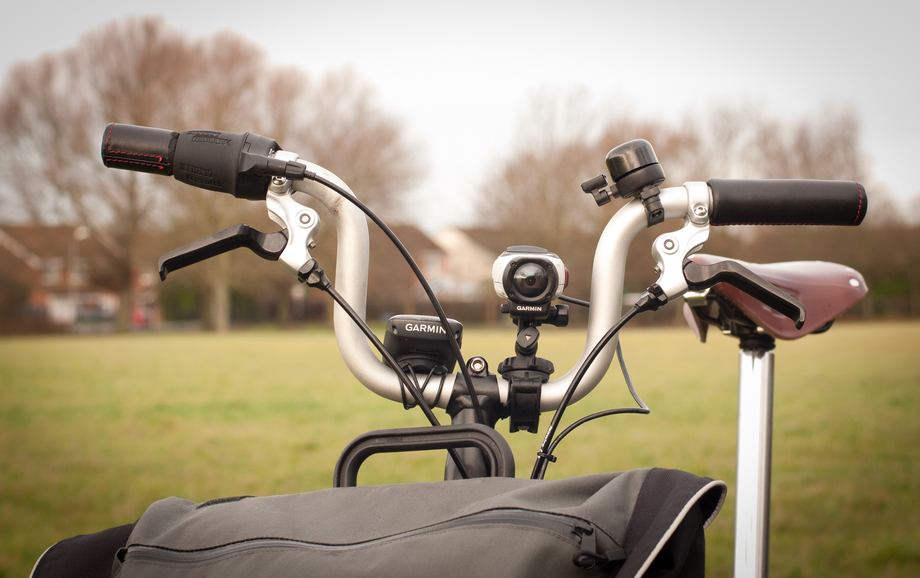
Here's a video sample on the Brompton (sorry about the right-hand tilt, now fixed): |
Real-life battery-life is around 2.5 hours, which is, frankly, long enough, but I'm now totally spoiled by the SON hub dynamo lighting system on the Brompton, and love never having to think about charging batteries, I decided to add an E-Werk USB power unit to the SON hub to power the Virb. That would currently be crazily expensive on the trike as I'd need to swap the hub-brakes for disks, but there are rumors of a Sturmey Archer combined hub brake and dynamo on the way. Once those appear, that will be a very tempting upgrade. |
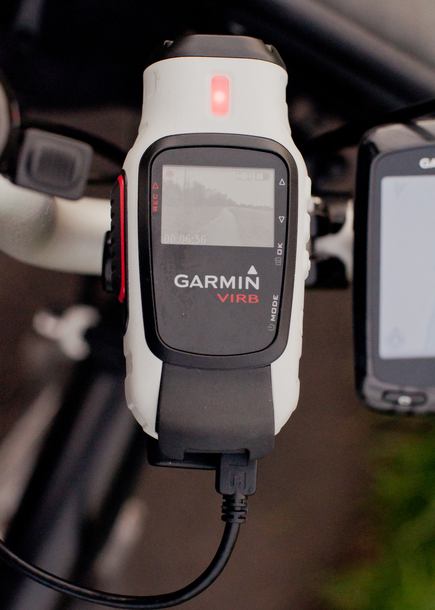
You can see this setup on my Brompton page. |