
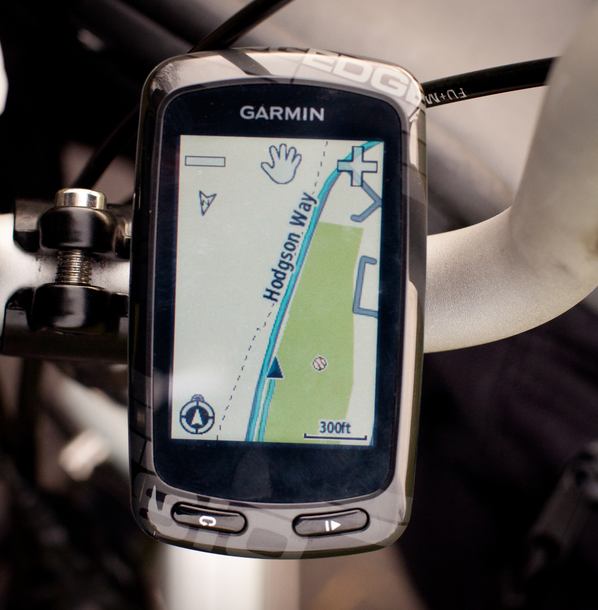
| Paper maps are lovely things, and when I'm on a cycle tour I do like to have one along for the ride. They provide a much more convenient overview of a route, and offer a handy means of creating a Plan B should circumstances dictate. But for on-the-route navigation, there's no substitute for sitting back and enjoying the scenery while your GPS takes care of figuring out the often fiddly navigation involved on a lovely backroads route. A GPS will also log your path, handy both for repeating organised rides at a later date on your own, and to track your mileages and speeds to assist in planning future trips. You'll typically see these tracks in my ride reports.. I've used Garmin GPS units since the pre-mapping days when you had to look up OS coordinates on a paper map, program them into your GPS and all you got for your trouble was an arrow pointing directly towards your chosen waypoint. For cycling, I had a Garmin eTrex Vista HCx which served me well for five years, but eventually the lure of shiny new gadgets became irresistable. |
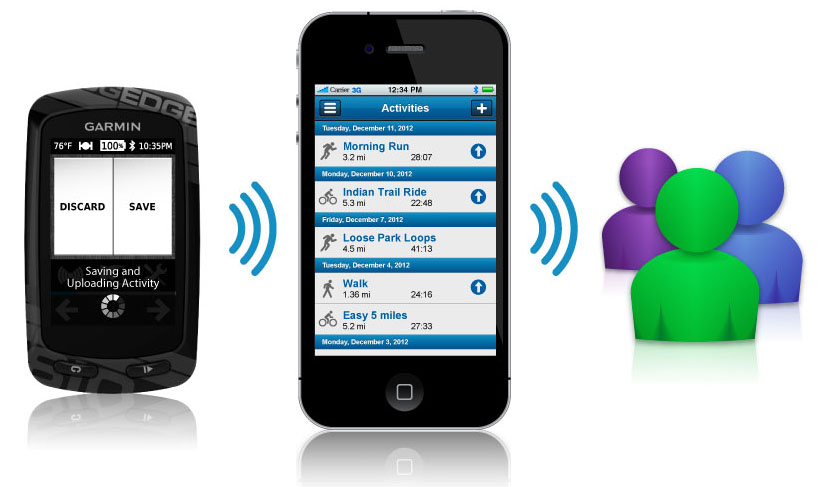
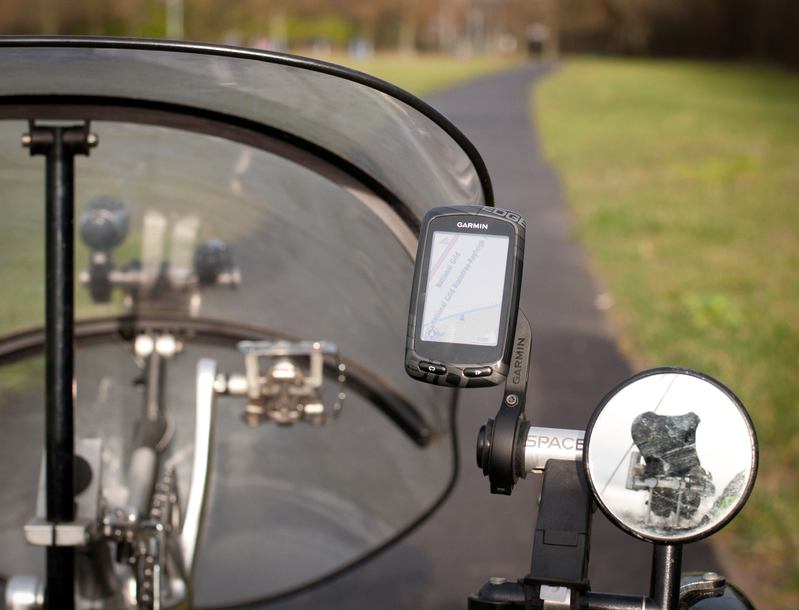
After taking a good look around at what was available these days, I ended up choosing the top-of-the-range model. I know, I'm as shocked as you. What the 810 gives you that lesser models don't is essentially a mix of convenience and gadgetry. Convenience in the form of things like ride profiles (or what Garmin calls 'activities'). Chances are you want different data screens for different types of rides. A utility ride across town, you may just want a clock and an odometer. A cycle tour, you likely want distance to destination, ETA at destination, distance to next waypoint, elevation and so on. With most GPS units, you have to manually fiddle around with the number and content of the data fields to suit; with the 810, you just tell it the type of ride and it pulls up your preferred screens for that ride. Gadgetry in the form of a Bluetooth connection to my iPhone. I can have a tracklog online within a few seconds of completing a ride with just one tap of an on-screen button, and even invite people to follow my ride in real-time if I so desire. I can also pull data like weather from my phone without having to stop and take it out of my pocket. It can also receive wireless data from heart-rate monitor, cadence meter and power meter for those who are uncivilised enough to go in for the type of cycling that gets you sweaty. My cycle rides are, of course, far more civilised. I could go on, but suffice it to say the Edge 810 is the most hi-tech GPS out there and I therefore had to have it. For the trike, I use a Space Bar and Garmin Out-Ahead mount to position it just above the right-hand handlebar, next to the mirror: |
|
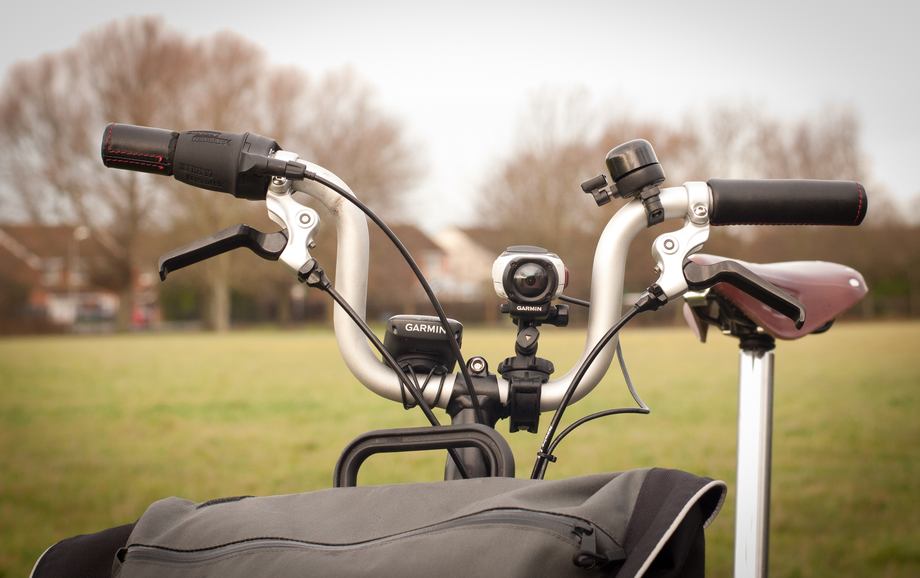
On the Brompton, it's attached to the handlebars using the supplied standard handlebar mount, whick is extremely simple but works really well, swivelling out of the way for the fold: |
|
(Seen here next to my Garmin VIRB camcorder - I do sometimes think I should just arrange to have a certain percentage of my income paid directly into Garmin's bank account ...) If you want most of the same functionality without the Bluetooth connectivity, the Edge 800 is around £80 cheaper (real-life pricing) ... but you don't want to do that, because then you have to mess around with cables to upload your rides, and cables are evil. Mapping-wise, I used to use Garmin's own mapping and plan my routes in Basecamp, but things have moved on apace and Open Street Maps now seem at least as good wth the virtue of being free. You can't download the whole of Europe in one file, but you can grab two or three countries at a time, which ought to suffice for most journeys (and for longer ones I take a MacBook Air with me anyway). Most of my route-planning these days is done online. I use CycleStreet for urban journeys, and a mix of Bikeroutetoaster and Ride with GPS for touring. To track my mileage as well as save group rides I may want to repeat, I have the 810 set to automatically upload ride data to Garmin Connect as soon as a ride is complete, and as most people are on Strava, I use Tapiriik to sync the two (this can take up to an hour). I also get Tapiriik to sync with Dropbox, giving me a local backup of all my rides. |
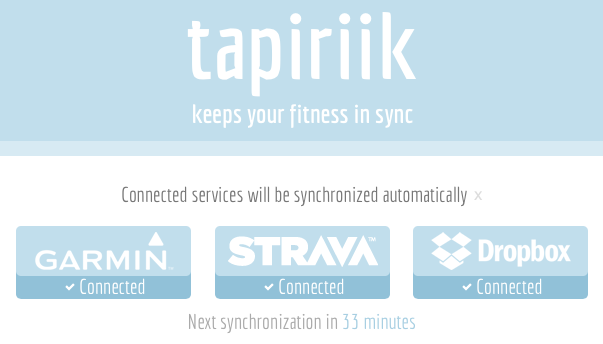
So with no more effort on my part than touching the Save button on my 810, all of my rides are automatically uploaded to both Garmin Connect and Strava, as well as appearing in the Dropbox folder on my Mac. I love technology. |